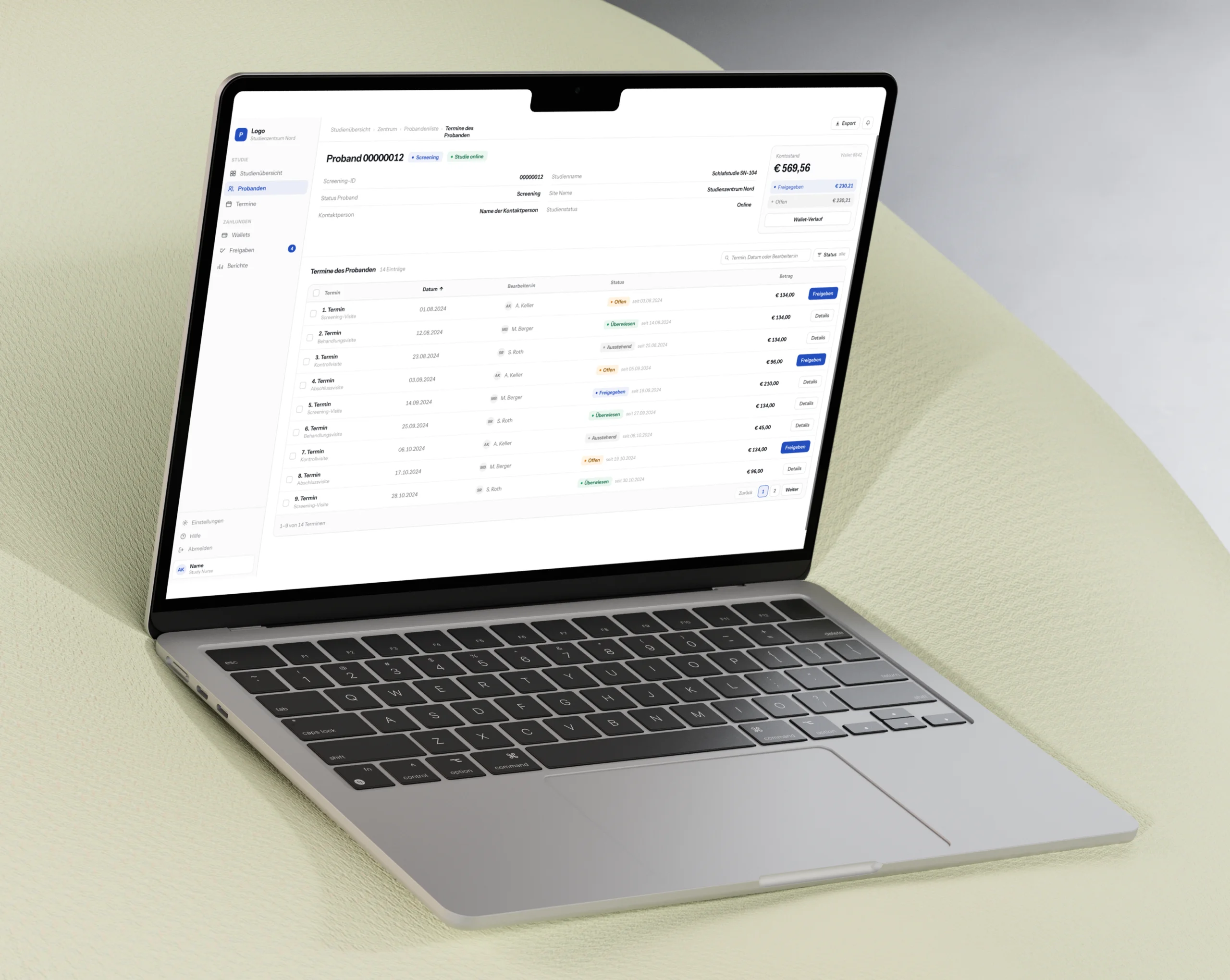
Trust decides whether an AI product gets used.
01 · Introduction & relevance
Product Strategy
88 percent already use AI. Two in three name rework as their biggest barrier.
Classrooms in Germany and Austria are going digital, and worksheets are turning into interactive, multimodal documents. I surveyed 42 lower secondary teachers on how they build them.
Almost all of them already work with AI. The dominant interface is a chatbot, which asks a teacher to express a whole lesson through one text prompt. What comes back often misses the topic or the grade level.
So the tool creates a second task instead of removing the first. That rework is the cost this thesis set out to remove.
UCD process · 4 studies, 60 participants
One user-centered cycle, end to end
Pick a phase.
Named the loop: write a prompt, read the output, rewrite it.
The persistent worksheet canvas, built rather than sketched.
The real cost: fifteen minutes or forty, depending on the prompt.
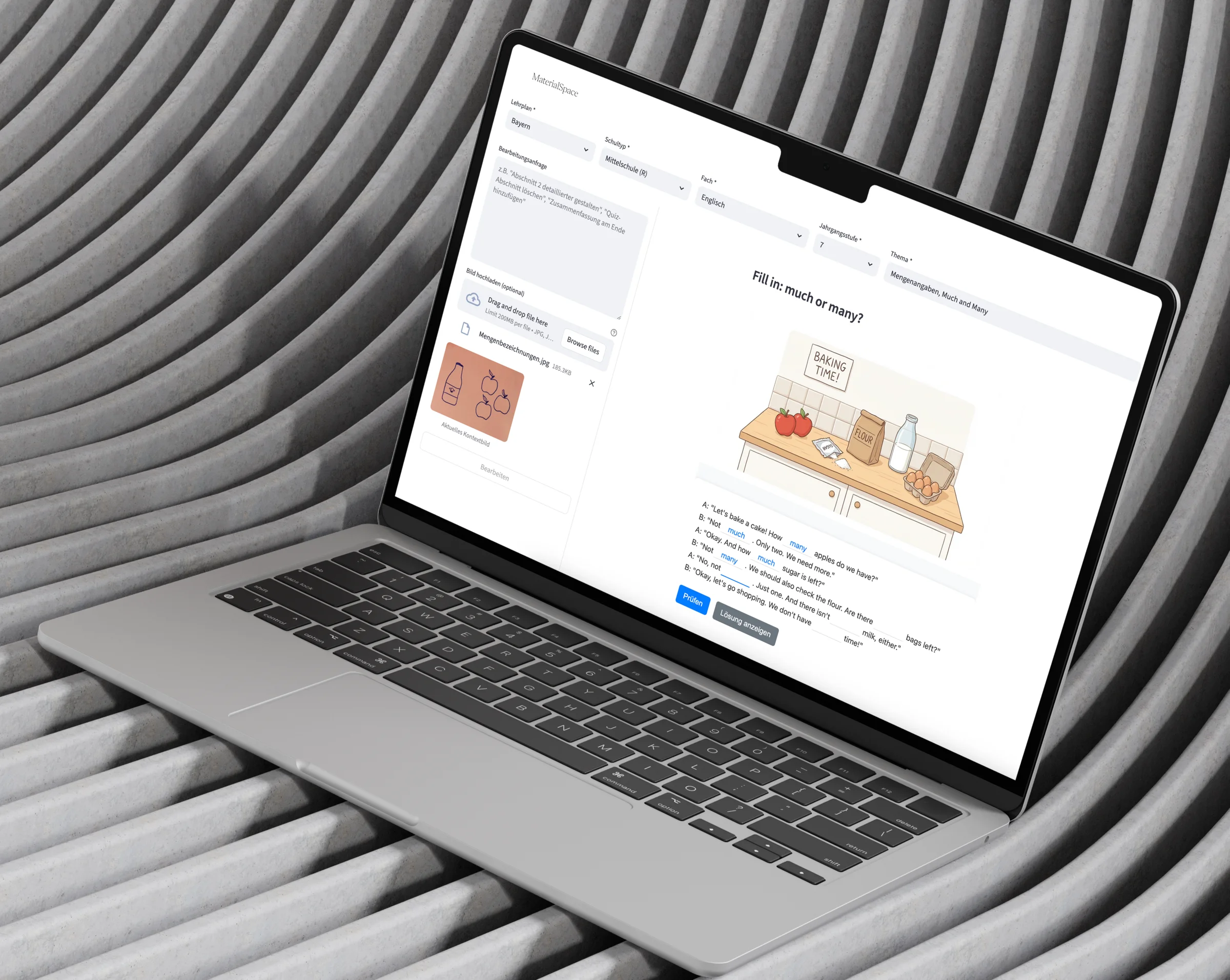
MaterialSpace is my answer: an artifact-centered assistant, built and evaluated with 60 participants across four studies. The bar I set for it was one usable, curriculum-aligned worksheet in the first session, without any prompt training.
Process
Six phases, 60 participants, three builds
Above the line I built. Below the line I learned. The pilot forced two more builds.
the two builds the pilot forced
02 · Process
User Research (Qual + Quant)Usability Testing
The pilot found the real cost. Fifteen minutes or forty, depending on the prompt.
I surveyed 42 teachers, interviewed four and compared eleven tools. All three pointed at the same loop: write a prompt, read the output, rewrite it.
The first prototype broke that loop. A worksheet canvas that stays on screen, context set once, every result validated against a schema.
Lo-fi wireframes · the model decision
Chat or worksheet canvas, decided at wireframe stage
Flip between them.
Then the pilot. Six teachers, one task: a percentages worksheet for grade 6, with a pencil sketch as context. The dropdowns worked for all six. The free-text field did not.
P5 typed four lines with a worked example and finished in 15 minutes, first attempt. P4 typed “Task seven. Edit.” and needed four attempts and 40 minutes. Same task, same interface.
The way to a worksheet
40 minutes and four tries, or 5 and one
Press play or drag.
BeforeContext in the prompt · 2 to 4 attempts
Worksheet after 40 minutes and 4 attempts
AfterContext in the interface
ConfigureClarifyWorksheet
Worksheet after 5 minutes
“Let’s hope it understands what I want.”
P3 · mid-task, pilot study
Spread · pilot, N = 6, same task
Same task, same interface. The prompt decided.
P5 · four lines with a worked example1 attempt
P4 · “Task seven. Edit.”4 attempts
010203040 min
Only prompting skill separates the two rows.
03 · Design Requirements
Interaction DesignHuman-Centered AI
Five requirements that replace prompting with structure.
Design requirements
Five requirements that replace prompting with structure
The straight path was to generate on request and let teachers edit afterwards. That was the pilot version, and it cost two to four attempts per task. DR5 replaced it.
Clarify first
Nothing is generated before the intent is named
Request
topic, subject, grade, difficulty, curriculum PDFs
Clarifying questionsthe step I added
- 01Grammatical focus · much, many or the contrastcites the curriculum
- 02Thematic context · the drawn bottle and the applescites the curriculum
- 03Task types · which interactive formatscites the curriculum
1 to 6 questions, then a proposed structure of at most 3 to 5 sections
Worksheet
schema-validated, section by section
Try it outDrag a word into a column, or tap a word and then a column.
Sort the words from the picture into the correct column:
Countable
Uncountable
Inhalt
- 01Einstieg: Zählbar oder nicht?
- 02Bildfragen
- 03Merkregel: much oder many?
- 04Wortschatz-Check: Countable or Uncountable?
- 05Übung: Much or Many?
- 06Anwendung: Ask Questions!
- 07Quick Check
- 1Pick a word up. The words, the columns and the solution arrive together, as data, or not at all.
- 2Drop it in a column. The marking is free: the answer came with the task.
04 · Results
Analytics & UX Measurement
8 of 8 trusted it. 75 percent wanted to keep it.
Results
What the design measurably changed
- 0 of 8trusted it in useboth risk items of the trust scale · the best possible score
- 0%wanted to keep using itafter the first session
- 2–4 → 1attempts per worksheetguided clarification instead of exploratory prompts
- 0prompts writtenthe whole context lives in the interface
Human-Computer Trust Scale · N = 8
Every single teacher felt safe
- Felt safe interacting with it8 of 8
- Saw no reason for caution8 of 8
- Expected no negative consequences7 of 8
- Strongly disagree
- Disagree
- Somewhat disagree
- Neutral
- Somewhat agree
- Agree
- Strongly agree
- Negative consequences (R)
- Must be cautious (R)
- Risky to interact (R)
- Acts in my interest
- Help when needed
- Understands my needs
- Competent and effective
- Fulfils its support role
- Has all the features
- Can fully rely on it
- Reliable support
- Trust the information
Items marked (R) were reverse-scored. Shares of N = 8.
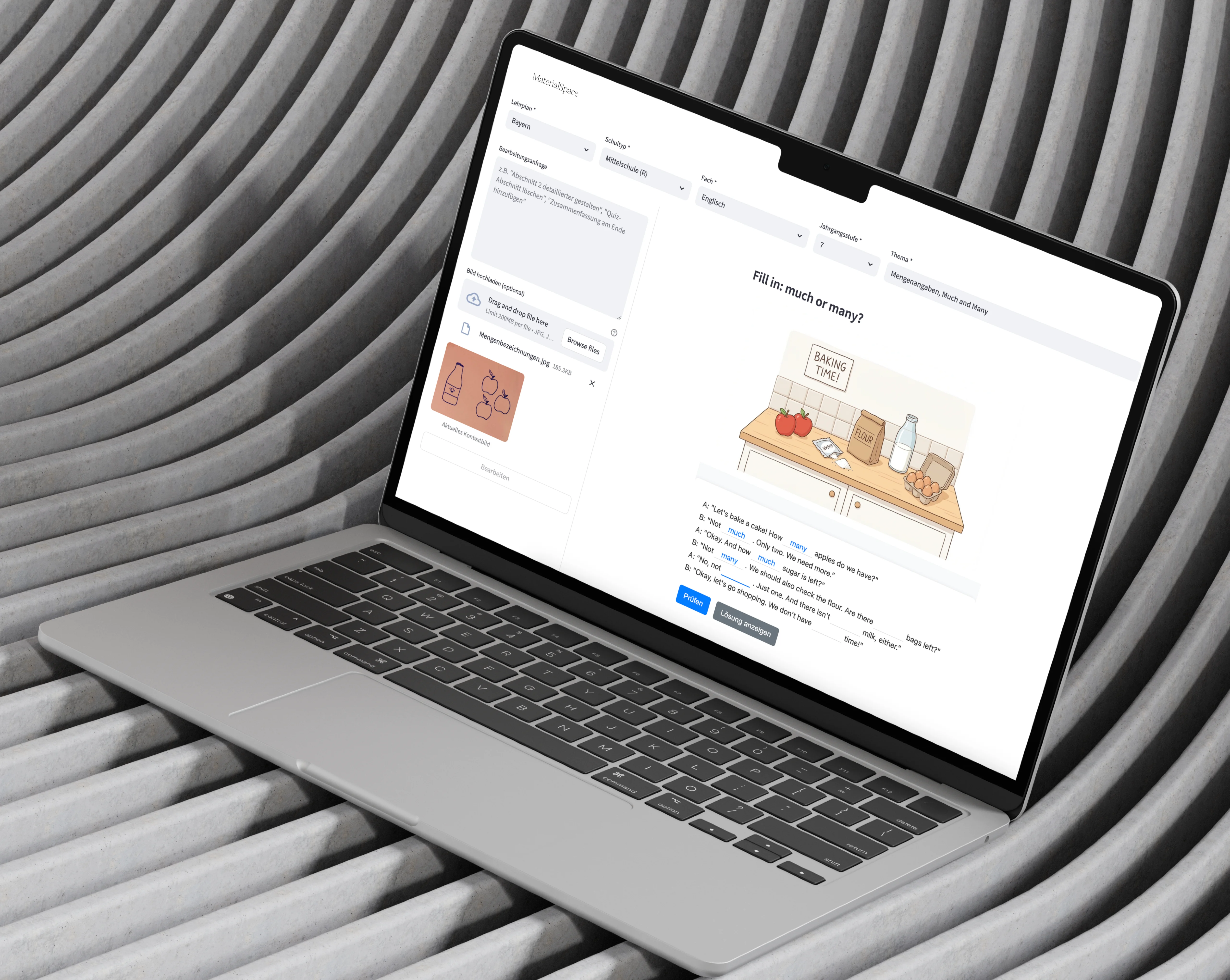
Try it outChoose much or many in each gap, then press Check.
Fill in: much or many?
A: “Let’s bake a cake! How apples do we have?”
B: “Not . Only two. We need more.”
A: “Okay. And how sugar is left?”
B: “Are there bags of flour left?”
A: “No. And there isn’t milk, either.”
Inhalt
- 01Einstieg: Zählbar oder nicht?
- 02Bildfragen
- 03Merkregel: much oder many?
- 04Wortschatz-Check: Countable or Uncountable?
- 05Übung: Much or Many?
- 06Anwendung: Ask Questions!
- 07Quick Check
Further reading
Relevant links
More projects
What else I have built.
 RefinqFrom a pitch deck to a funded product.I turned existing research and founder input into an interactive funding prototype and a documented design foundation.
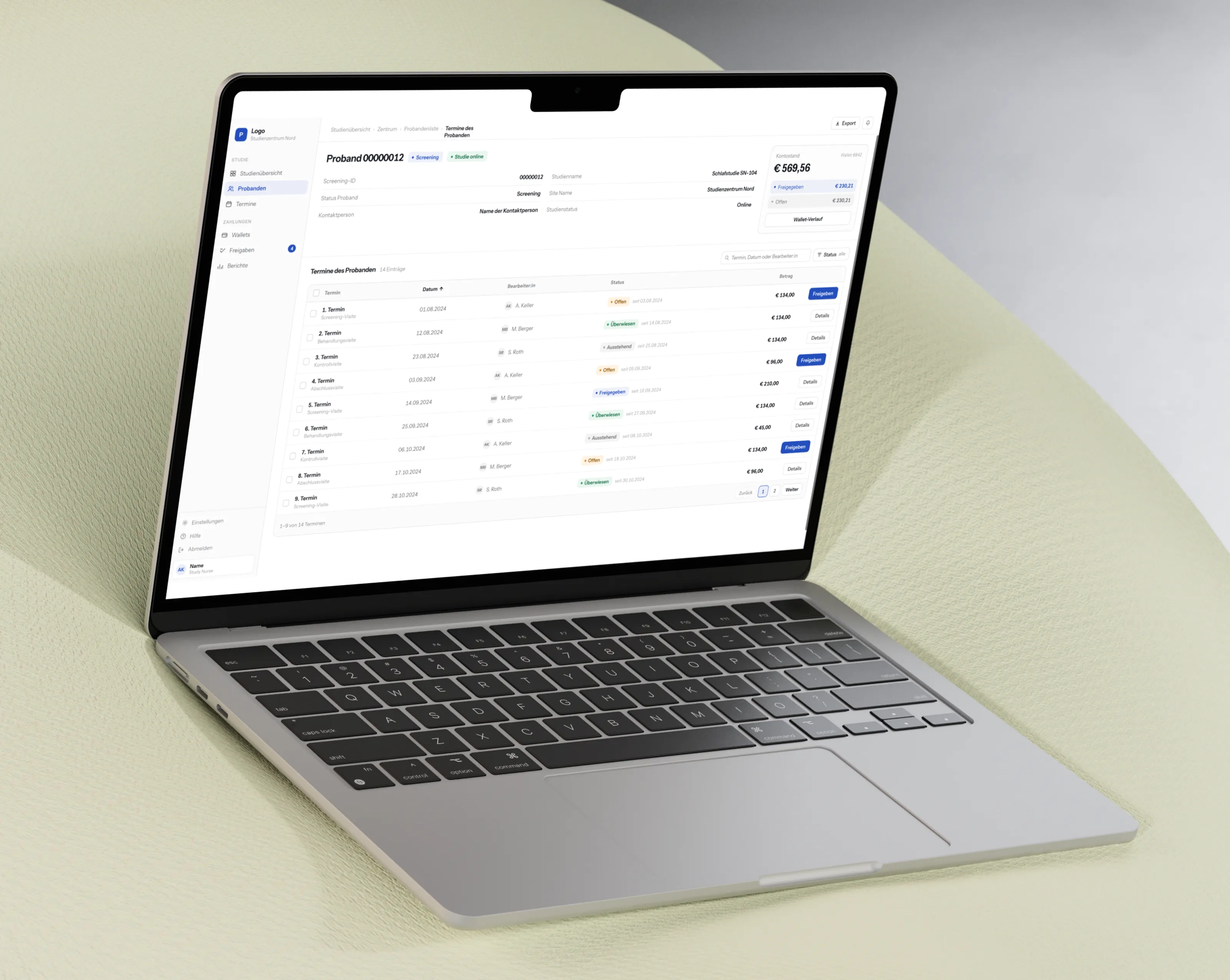 ProbandoOne startup, four projects, one bottleneck.I improved the internal dashboard and public website, rebuilt the design foundation they exposed as a delivery problem, and then designed their payment system from zero.
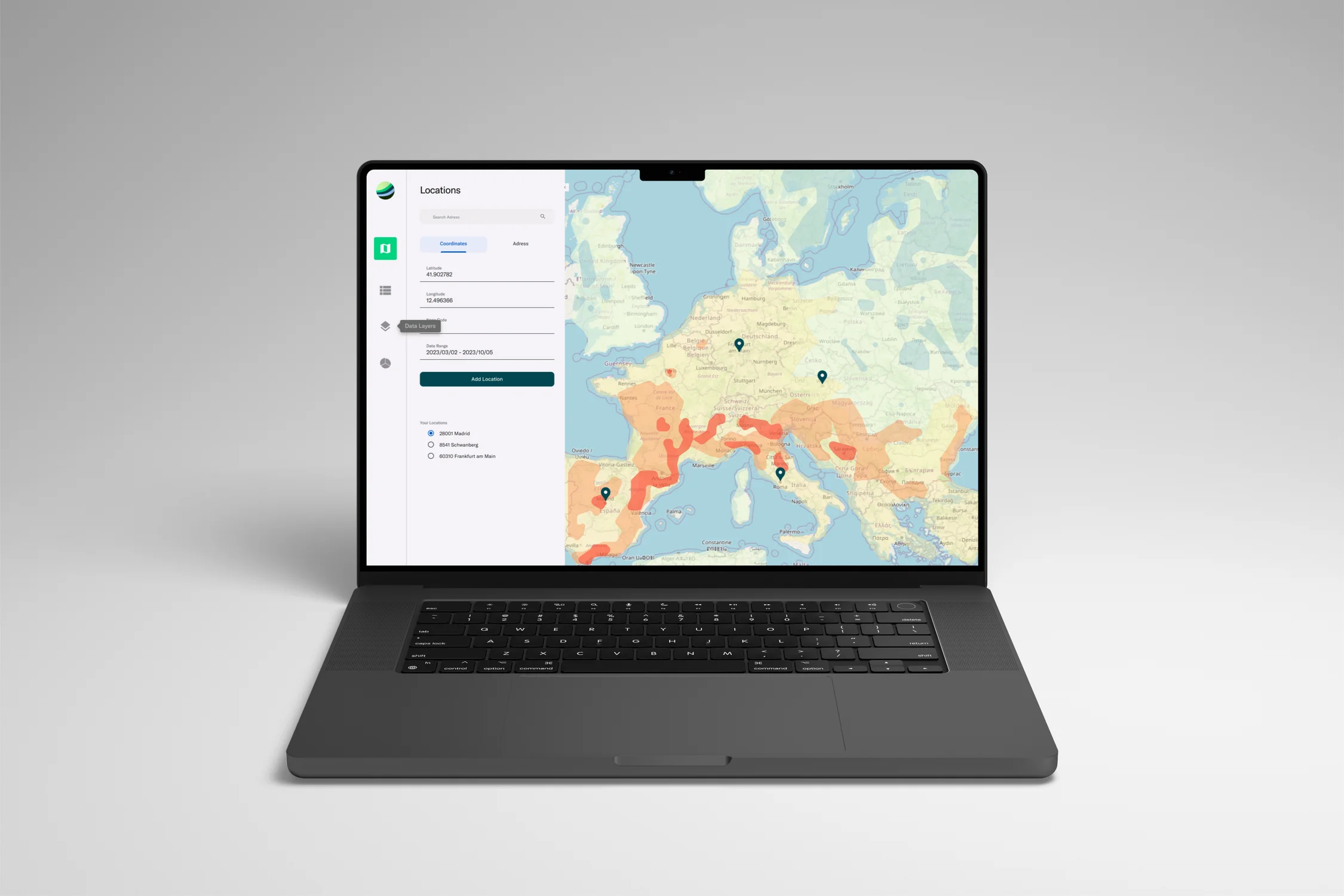
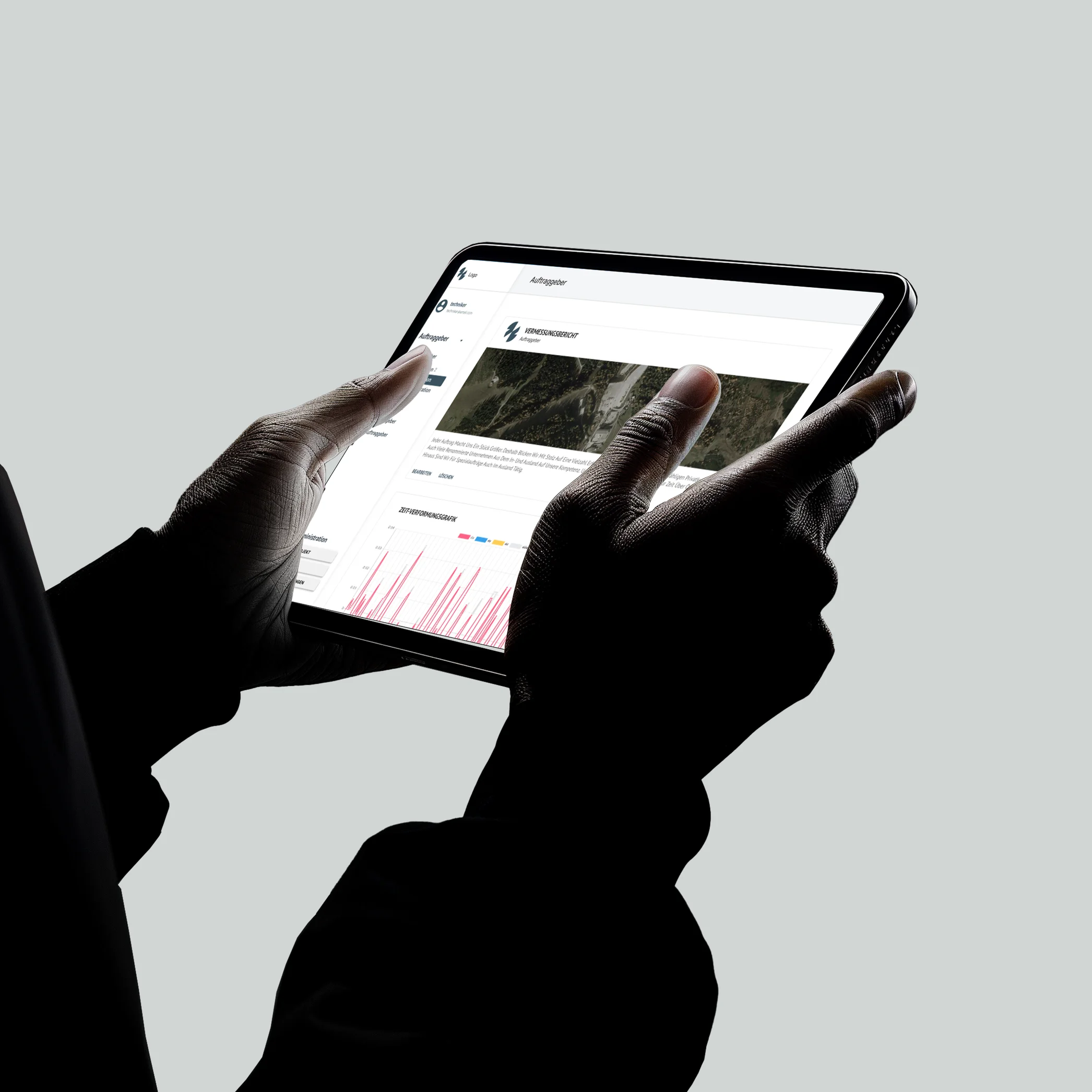
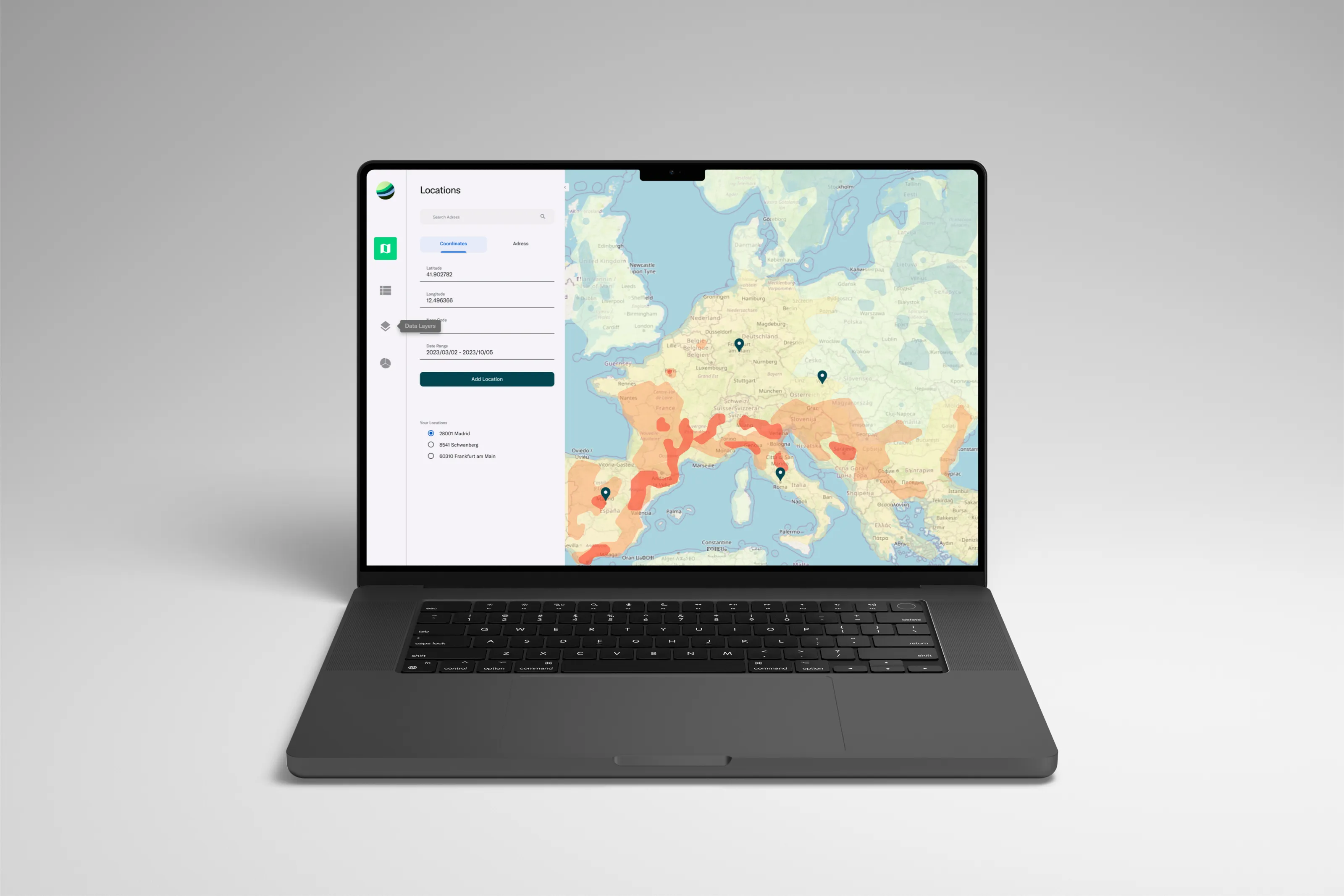
 TrigonosDecades of geodata, one decision interface.I designed a geomonitoring system from zero for field engineers, analysis teams and clients. It has been in daily use since 2021.